Schedule Pages
Twelve sessions. Three nights. One link.
If you run classes, sessions, or more than one kind of meeting, a single-event booking link makes people do the sorting. A Schedule Page shows everything you offer, grouped the way your week actually runs, and books each session on the spot.
Included on the free plan. No credit card.
Sunday
Tuesday
Wednesday
One link per event type doesn't survive a real schedule.
An academy with four age bands across three nights has twelve bookable sessions. The big scheduling tools give you twelve separate links — so you paste a wall of URLs into a group chat and hope every parent picks the right one. The ones who pick wrong email you, and now you're doing scheduling support instead of coaching.
The other fix is worse: hand-building a schedule page on your website, then editing code — or asking whoever built it — every time a class time moves.
How it works
- 1
Add your sessions
Your event types carry the times, durations, and pricing. The page reads them directly — nothing to retype.
- 2
Pick a layout
Stacked list, grouped by day, week grid, or card grid — with a live preview of your real sessions in each one.
- 3
Group it your way
By day, program, age group, location, or instructor. Rename and recolor any session per page without touching the event type.
- 4
Share one URL
The page books each session in place and tracks views, clicks, and completed bookings per event type.
Four layouts. Try them.
These panels render with the same layout components the public page uses — pick the shape that fits how people scan your schedule.
Sunday
Tuesday
Wednesday
Mon
Tue
Wed
Thu
Fri
Sat
Same event types, four presentations — drawn with the exact layouts the public page uses.
What it looks like
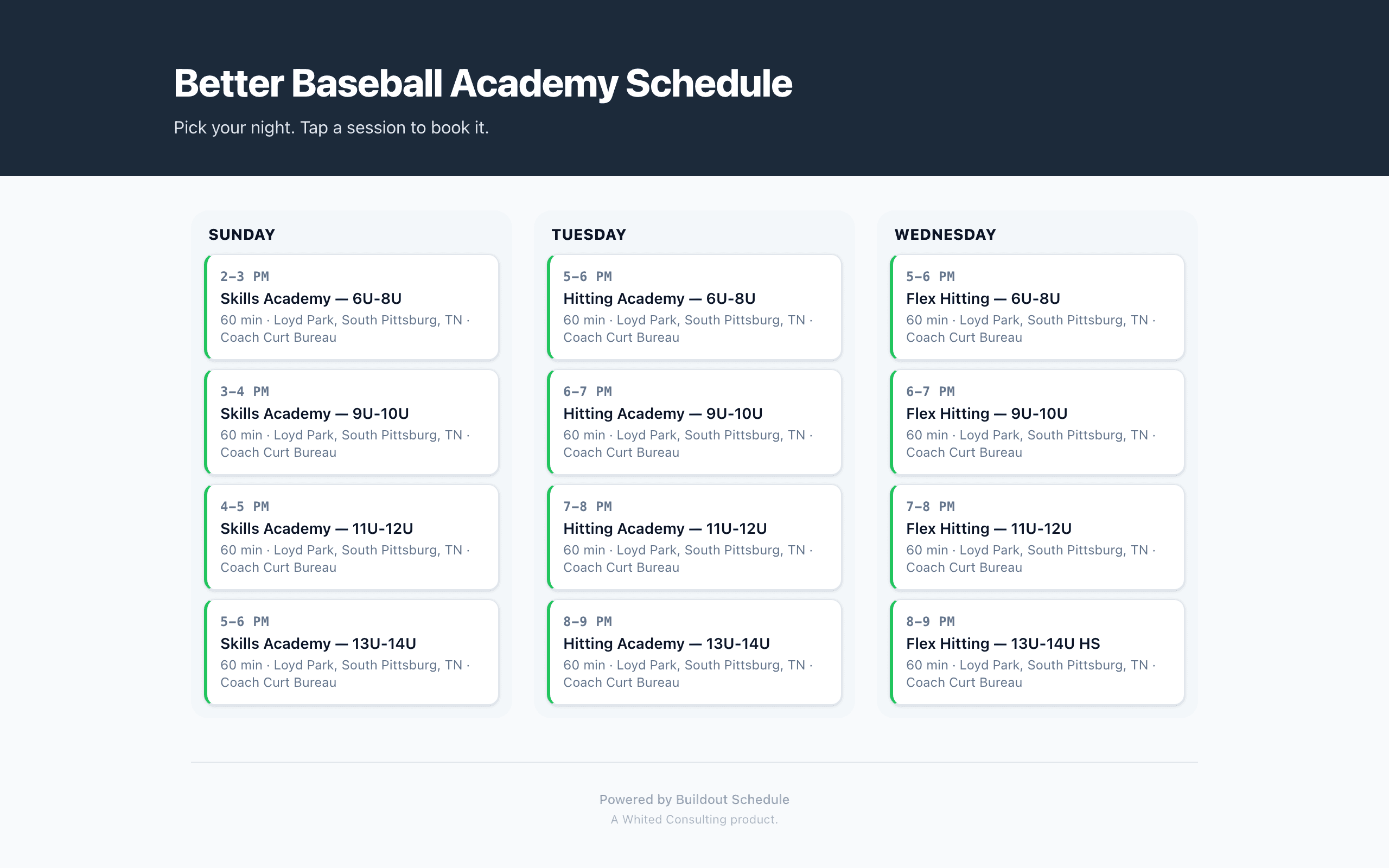
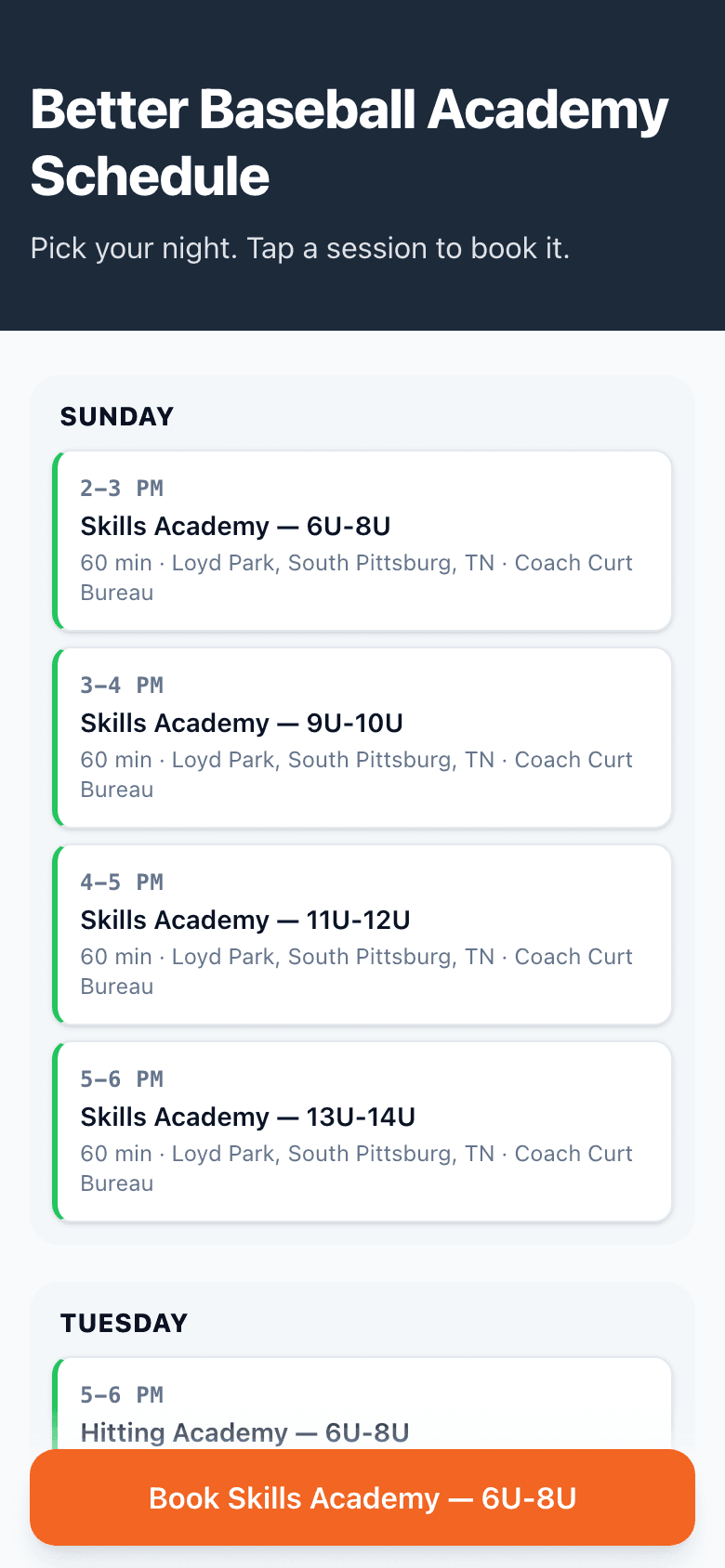
Better Baseball Academy's real schedule page on production — 12 sessions, 3 nights, 4 age bands, grouped by day.
Build yours in 5 minutes.
Pick a template, swap in your details, publish. Free plan, no credit card.
Goes well with
Common questions
How is this different from sharing event-type links?
One link instead of twelve. A parent picking a Tuesday hitting class sees the whole week and taps the session that fits — no guessing which of your links is the right one.
What are the four layouts?
Stacked list for a handful of sessions, grouped-by-day for weekly academy schedules, week grid for dense studio calendars, and card grid for premium sessions that deserve visual weight. Switch anytime; the page keeps its data.
What can I group by?
Day of week, program tag, age group, location, instructor — or nothing. Grouping reads from your event types, so a schedule with 12 sessions across 3 nights organizes itself.
Can one event type look different on different pages?
Yes. Each page carries per-event overrides — label, color, description — so “Skills Academy — 6U-8U” on the parents page can be “Sunday 2pm session” on the team page. Same event type, same calendar underneath.
Does booking happen on the page?
Tap a session and the booking sheet opens right there — day picker, time picker, confirmation. Nobody gets bounced to a second site.
Can I use my own domain?
Free plans get buildoutschedule.com/you/schedule/your-page. Pro gets you.book.buildoutschedule.com. Team plans point book.yourbrand.com at it with one CNAME.