Compare
Buildout Schedule vs SavvyCal
SavvyCal is the polished one, built by a respected indie founder for professionals who found the incumbent clunky. It has also deliberately stayed out of AI. The difference is scope: they refine the scheduling handshake; we build the AI and the pages around it.
Entry price
- Buildout Schedule
- Free, then $9/mo flat
- SavvyCal
- $10/user/mo, no free tier
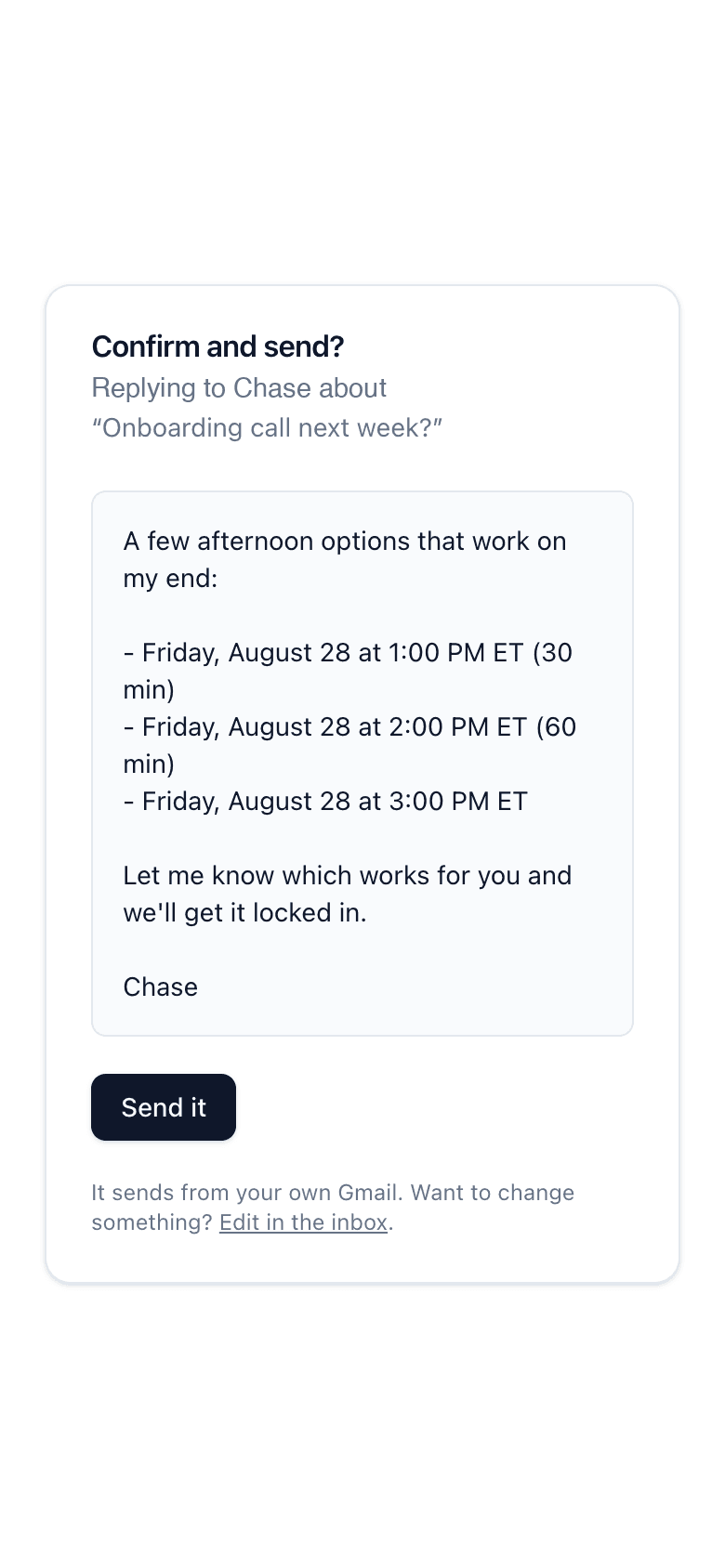
AI drafts scheduling replies inside a real email thread
- Buildout Schedule
- SavvyCal
Natural-language time picker on the booking page
- Buildout Schedule
- SavvyCal
AI rebooking on cancellations
- Buildout Schedule
- SavvyCal
Calendar overlay for invitees
- Buildout Schedule
- SavvyCal
Ranked availability (nudge preferred slots)
- Buildout Schedule
- SavvyCal
Landing page around your link (Rep Card)
- Buildout Schedule
- SavvyCal
Every event type on one page (Schedule Page)
- Buildout Schedule
- SavvyCal
Payments at booking, 0% platform fee
- Buildout Schedule
- SavvyCal
Waitlists that fill their own cancellations
- Buildout Schedule
- SavvyCal
| Feature | Buildout Schedule | SavvyCal |
|---|---|---|
| Entry price | Free, then $9/mo flat | $10/user/mo, no free tier |
| AI drafts scheduling replies inside a real email thread | ||
| Natural-language time picker on the booking page | ||
| AI rebooking on cancellations | ||
| Calendar overlay for invitees | ||
| Ranked availability (nudge preferred slots) | ||
| Landing page around your link (Rep Card) | ||
| Every event type on one page (Schedule Page) | ||
| Payments at booking, 0% platform fee | ||
| Waitlists that fill their own cancellations |
Pricing, side by side
| Plan | Buildout Schedule | SavvyCal |
|---|---|---|
| Free | $0. One meeting type, full booking flow. | No free plan |
| One person | Solo, $9/mo flat | Basic, $10/user/mo |
| Team / power features | Team, $30/person/mo | Premium, $17/user/mo |
SavvyCal prices as published on savvycal.com on August 26, 2026. Their Premium per-seat price is lower than our Team price; our free plan, the AI inbox, and the page stack are the other side of that trade.
Where SavvyCal is strong
Overlay mode is a real idea: the invitee lays their own calendar over yours and finds true mutual free time instead of guessing. Ranked availability lets you nudge people toward the slots you prefer. If your week is a wall of external meetings with other busy professionals, those two features earn the subscription.
Where we differ
SavvyCal has no free tier and starts at $10 a person; Buildout Schedule starts free and Solo is $9 a month flat. Past price, we sell a different shape. The scheduler you CC drafts thread replies from your own inbox with your approval on every send. The Rep Card puts your face, proof, and save-my-contact around the booking button. The Schedule Page puts your whole lineup on one URL. Payments settle to your own Stripe account at a 0% platform fee, and waitlists refill cancellations on their own.
Who should stick with SavvyCal
Professionals whose meetings are mostly with other calendar-heavy professionals, where overlay mode and ranked availability change the handshake itself. If those two features are why you pay, SavvyCal does them better than anyone, and we do not have either.
Moving over from SavvyCal
Rebuild each link as an event type, or start from a preset template. Connect your calendar, publish, and swap the link. Most solo setups finish inside an hour; email us from the contact page if yours is bigger.
Common questions
Does Buildout Schedule have SavvyCal’s overlay mode?
No. Invitees pick from your available slots in their own timezone, the standard flow, plus a natural-language box that narrows the grid when they type something like Tuesday afternoon. Overlay mode is SavvyCal’s signature, and if it is the feature you need, they do it well.
Why pick Buildout Schedule over SavvyCal?
Price, the AI, and scope. Free covers a working solo setup here. The scheduler you CC settles email threads from your own inbox. And if your booking link needs to sell, with testimonials, proof, save-my-contact, and a full schedule on one page, that page layer is the product, not an add-on.
Related
Get the page and the AI, not just the polish.
Free plan. No credit card. Not a trial.